Yunohost + Docker: My Experiences
Hello Everyone!, sorry for not posting for long, I have been caught up with stuff and all of that, but I comeback with something else… I managed to get a DigitalOcean Droplet!
I originally planned it for installing Yunohost, but then I wanted to have a even larger selection of apps, so I installed Docker along my Yunohost installation.
If you don’t know what Yunohost is, Yunohost is a Debian 12 based OS (which is terminal-only) that allows you to install applications (by applications means Self-Hosting stuff like Immich and Mastodon) and use them without having individual servers for each app, Its really great for beginners into self-hosting but want miminal maintenance (like myself), teams who just want simplicity and people who want to self-host for their friends etc.
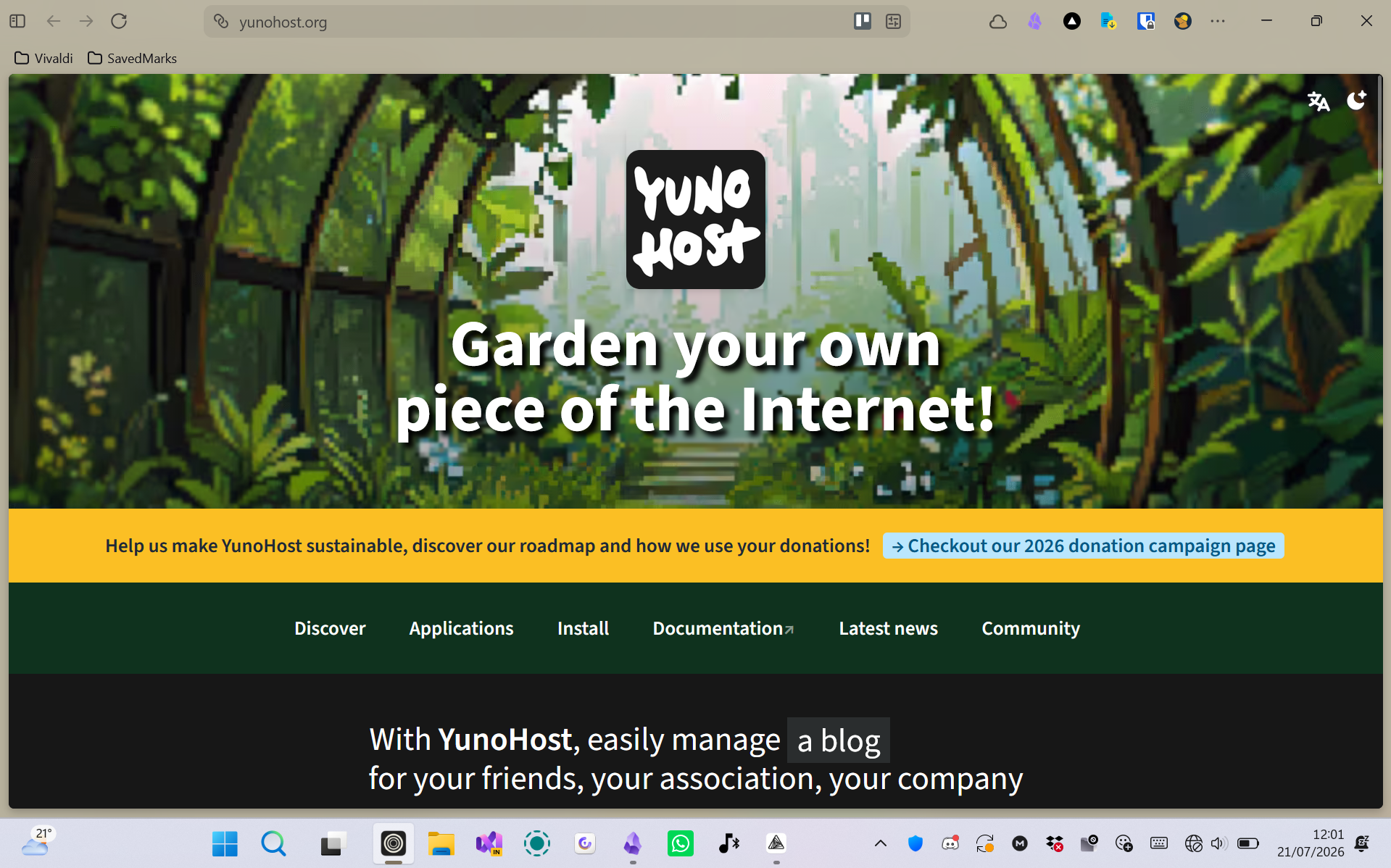 Yunohost.org Website
And If you also dont know what Docker is, Docker is basically like Yunohost, but more advanced. Its not a Linux-Based OS, Its like a command in Linux (Docker also has a desktop version and WSL version for windows), instead of apps, you have images (which is like an APK file on Android that you use to install apps) and something called Containers (Its like a app, but isolated possibly). Docker has more app selection and its most of the time chosen by developers that want to publish their app/image so that others can use it too in their setups.
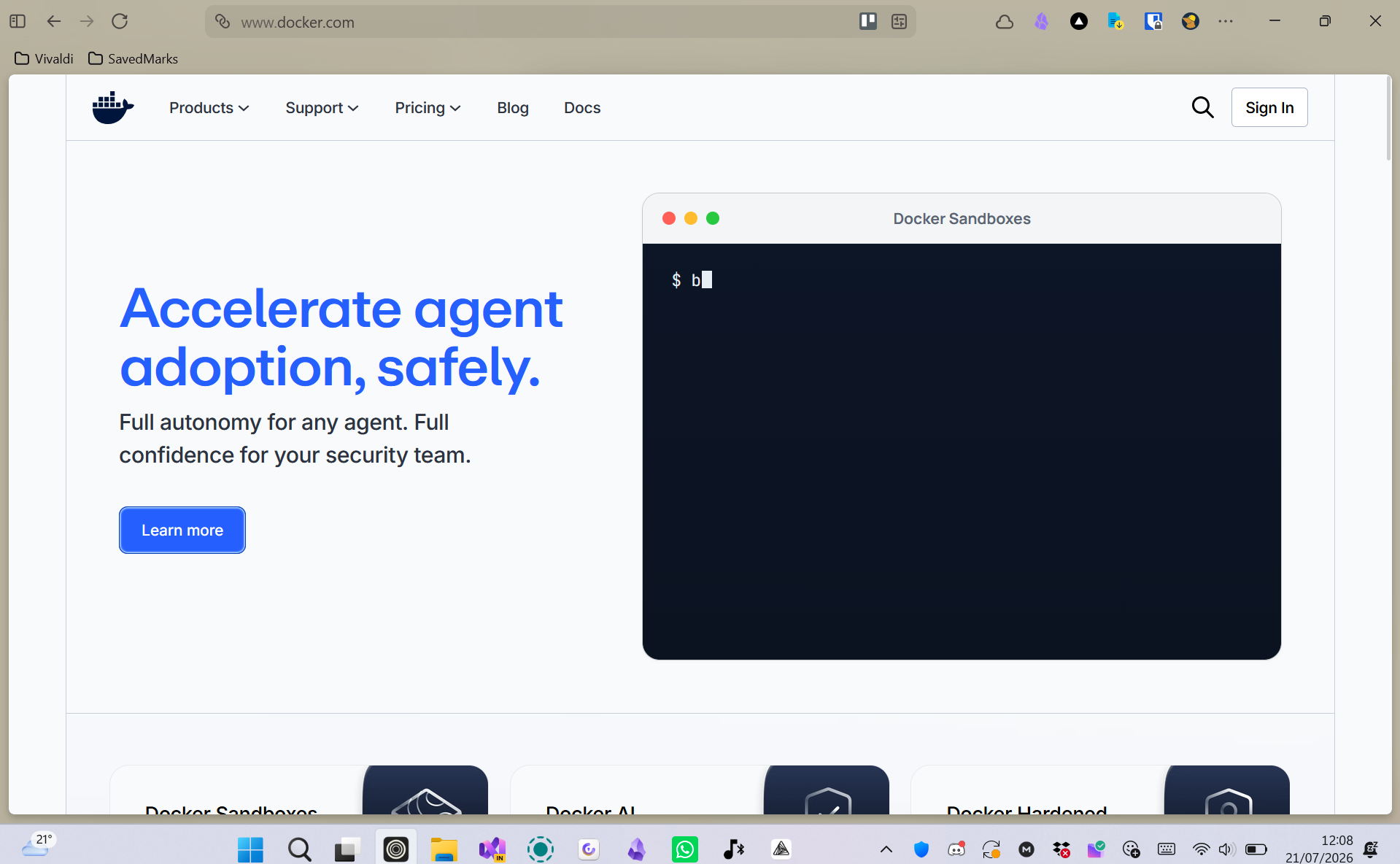 Docker.com Website
As I mentioned previously, I first started with Yunohost, But I wanted more selection of apps, so I installed Docker alongside Yunohost, but its a very tricky process to do, especially if you want to use a domain with a container, you would have to add a domain to the admin panel, mess with nginx and pray everything works, then you might run into more issues like networking and more.
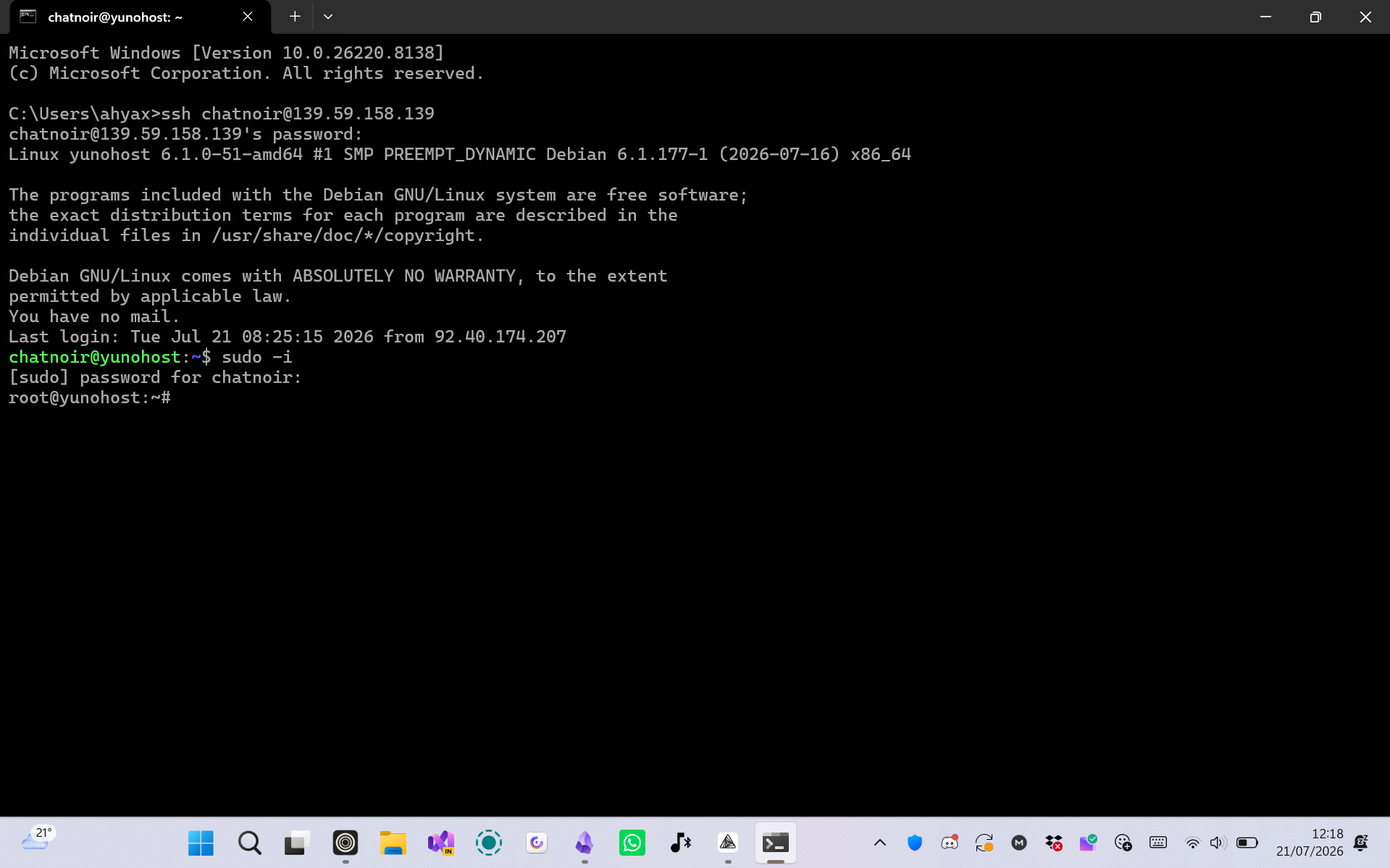 Windows Terminal sshed into my DigitalOcean Droplet as Root
I have a bit of experience with Docker, so I partially understand how it works, so I was lucky everything worked the first time (not everything though however).
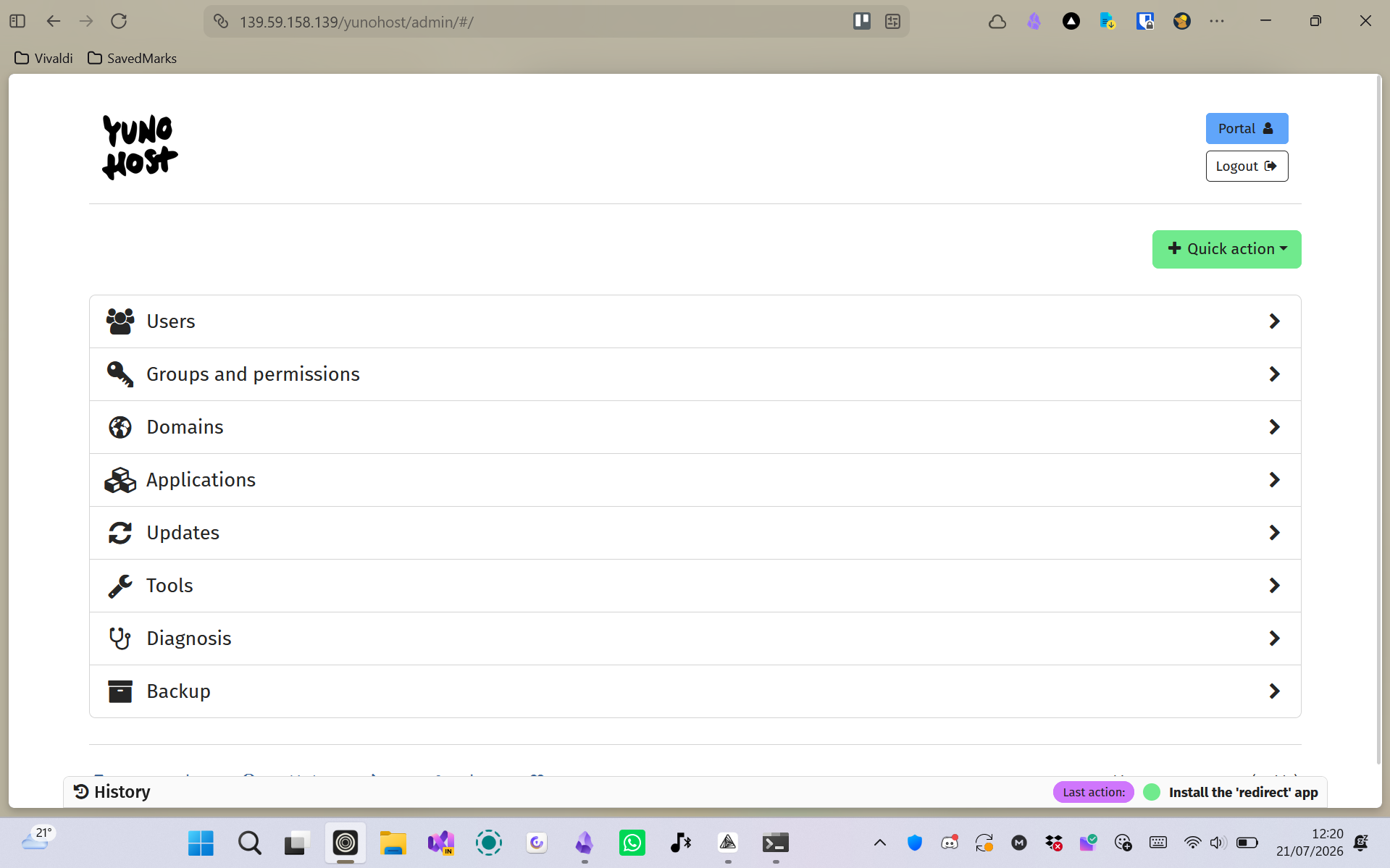 Yunohost Graphic Admin Console
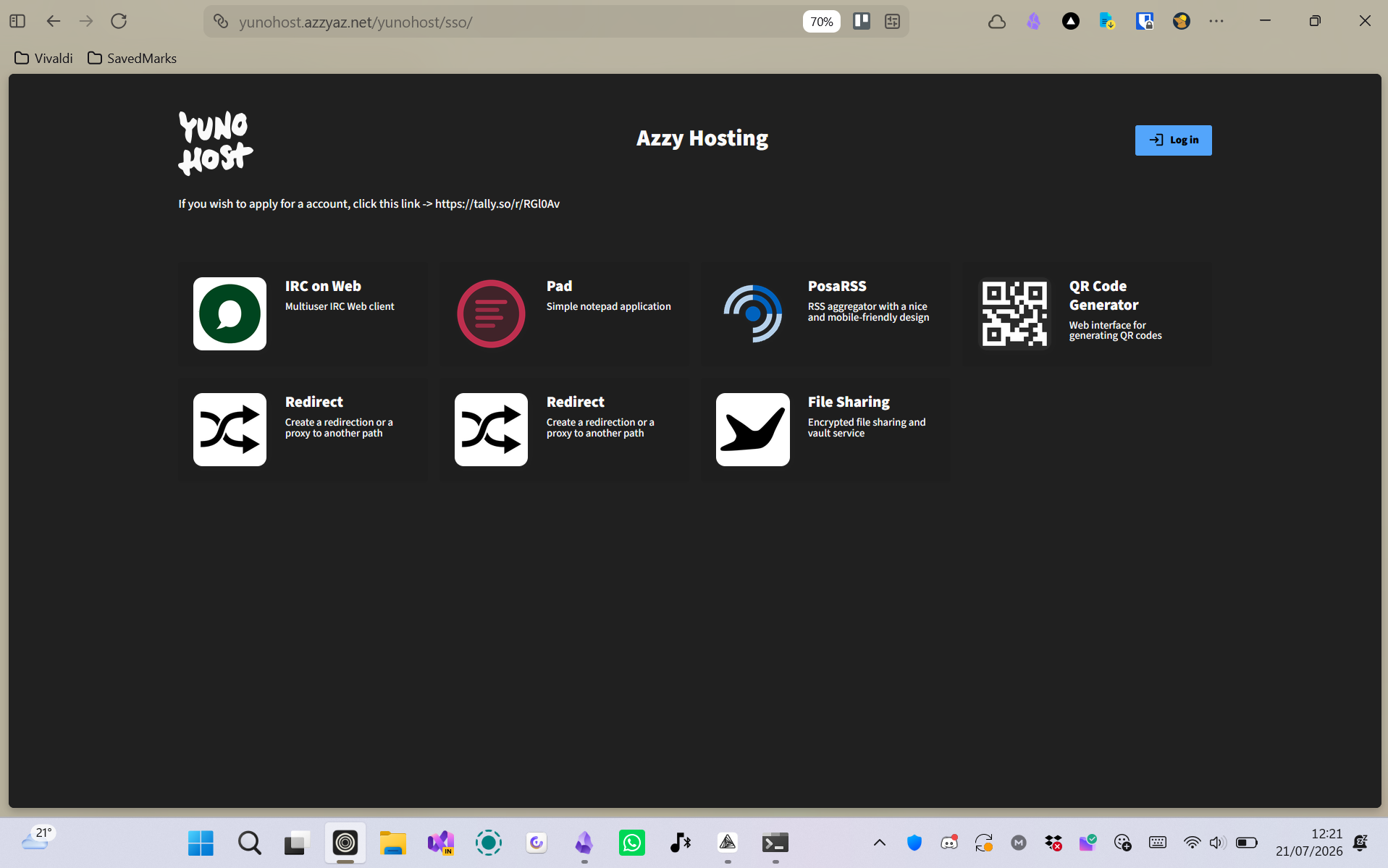 Yunohost User SSO Portal
It has been a last few tricky weeks for me, when I first got my Droplet, I accidentally installed Ubuntu on it instead of Debian 12 (Yunohost requires you to have Debian 12, not higher, to install it), so I had to recreate another droplet with a custom Debian 12 Generic Image to be able to finally install Yunohost.
I also tried to install some apps (like Mastodon, You can learn more about mastodon here) on it but it was just too much troubleshooting for me to do (Email, Theming etc) so I decided to uninstall them to focus on much simpler things (like IRC, FreshRSS etc) and it worked for me now.
Then I came along to Docker and installed it alongside Yunohost so I could have more app selection (since apps like affine, which is a self-hosted Notion alternative, didn’t support Yunohost and also similar apps like Appflowy couldn’t install no matter what I did). There was troubleshooting, yes, but everything else just worked and I am glad it did.
But anyways, what do you think?, leave a comment down below (new feature of my new blog!!) and you can also subscribe to my blog via RSS (also another new feature) by the navigation bar at the top (varies on mobile), but I will see you in my next post.